Hello guys,
This is Ravi, In this Blog, I am gonna show you how to create a free account on chatGPT(AI)
let’s begin,
First of all, the ChatrGPT will provide you with codes, that will be more helpful for your work. And after logging in you can easily get your codes, after entering your question in ChatGPT.
URL:- https://openai.com/blog/chatgpt/
How to login ChatGPT Ai?
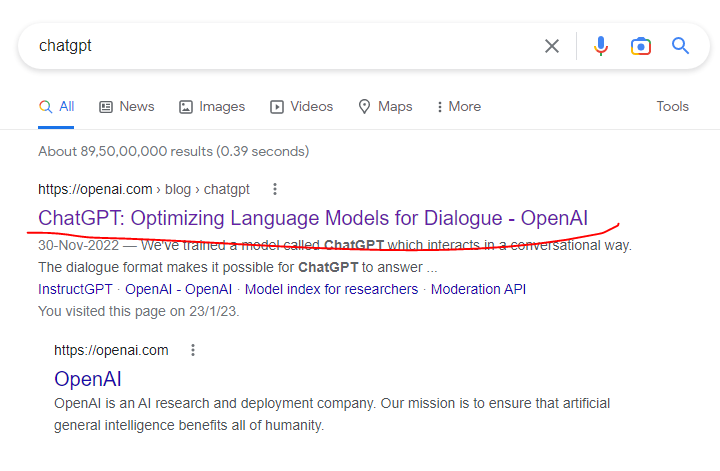
- Open your window and search ChatGPT and click the enter button.

- After that please click on the first heading I.e ChatGPT: Optimizing Language Models for Dialogue – OpenAI
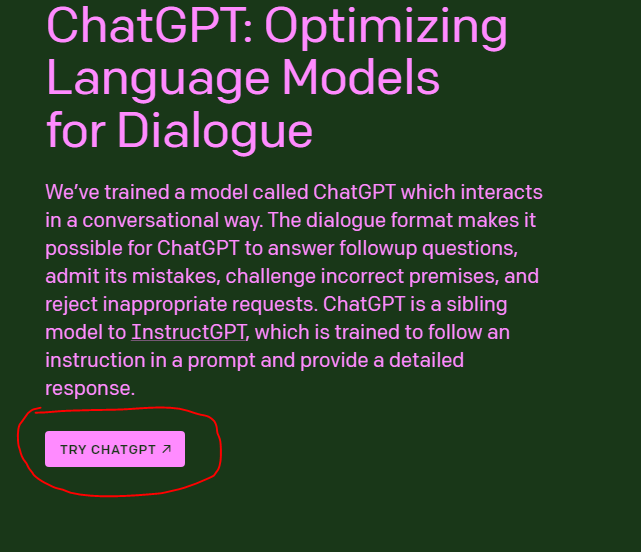
- After clicking on it, Do your scroll down and click on the TRYCHATGPT popup button.
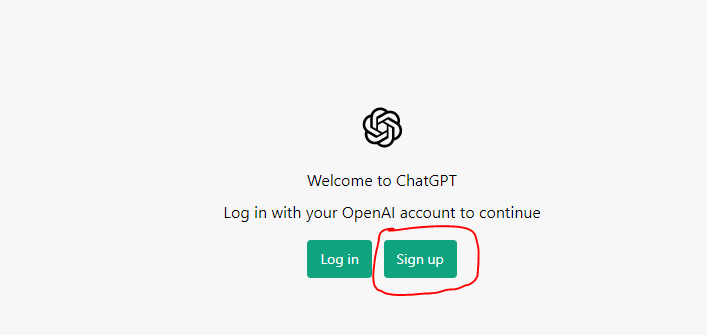
- After that, you can see a new window that is for your login window if you have already created your ChatGPT account then click on the login button and go ahead If you have no account with ChatGPT please click on the signing button.
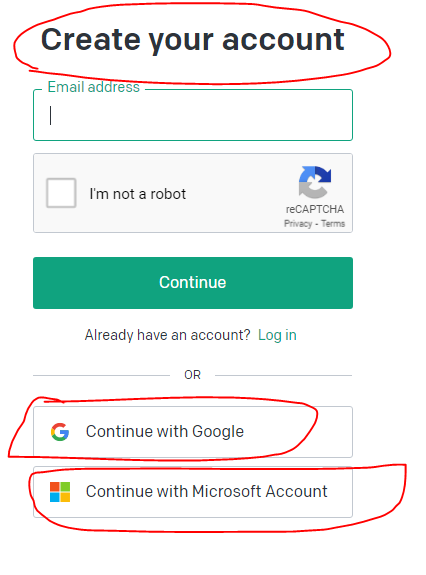
- After clicking on it you can create your account by entering your login id and password or, you can create your account by using your google account and Microsoft account option.
- And after that, you can put your question and get your answer instantly.
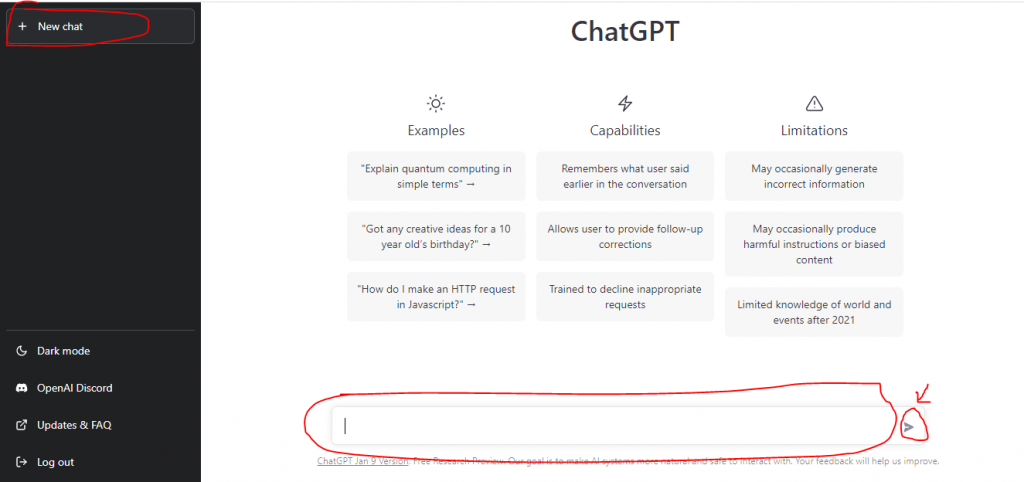
Thanks,

I found this guide on how to create a free account on ChatGPT very simple and clear. It walked through the steps of going to the official OpenAI site, clicking the sign‑up or “Try ChatGPT” button, and then choosing to register either with an email address or by using a Google or Microsoft account. It was useful to read that creating an account doesn’t take long and that once you log in you can start asking questions right away. Before reading this, I wasn’t sure where to begin or what information I needed. Thank you for explaining it in simple words that anyone can follow, especially if they are new to AI tools