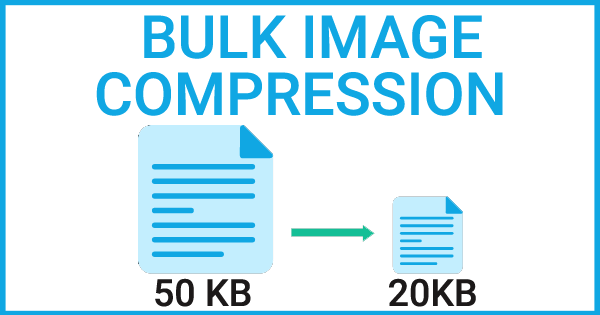
In today’s fast-paced digital environment, every second counts—especially for digital marketers, SEO professionals, and developers managing websites with high image volumes. Time is a critical factor, and clients expect results without delays. That’s where WizBrand’s Bulk Image Compression Tool becomes a game-changer.
This tool is built to meet the practical needs of digital professionals who need to optimize large batches of images quickly without sacrificing visual quality.
What is the Function of a Bulk Image Compression Tool?
A bulk image compression tool is designed to reduce the file size of multiple images simultaneously. It plays a crucial role in optimizing images for web usage, where smaller file sizes enhance website loading speed, reduce bandwidth usage, and improve overall site performance.
These tools use advanced compression algorithms—either lossless (preserving image quality) or lossy (slightly reducing quality for greater size reduction)—to minimize unnecessary data such as metadata, overly high resolutions, and redundant pixels.
Key Benefits of Using WizBrand’s Bulk Image Compression Tool
Here’s how this tool can make your workflow smoother and more efficient:
✅ 1. Reduced File Size
Compress images without drastically affecting quality. Smaller image sizes mean faster uploads, easier sharing, and more efficient content management.
✅ 2. Faster Website Loading Times
Heavy images can slow down your website. Compressing them leads to quicker load speeds, improving user experience and SEO rankings.
✅ 3. Optimized Bandwidth
For websites with high traffic or limited hosting resources, compressed images consume less bandwidth, saving money and improving speed.
✅ 4. Improved Storage Efficiency
Large image files take up significant storage. This tool helps free up server or device space, allowing for better resource utilization.
Core Features of WizBrand’s Bulk Image Compression Tool
The effectiveness of any compression tool depends on its features. Here’s what makes WizBrand’s tool stand out:
🔄 Batch Processing
Easily compress multiple images at once—select a folder or group of files, apply settings, and process them all together. This saves time and effort.
⚡ Speed and Performance
The tool is optimized for fast processing, even when handling hundreds of images, ensuring minimal delay in your workflow.
🧭 User-Friendly Interface
The intuitive UI makes it easy to upload, configure settings, and compress images—even for non-technical users.
🔧 Custom Compression Settings
Choose between lossless and lossy compression options based on your quality and size preferences.
Why Digital Marketers and SEO Professionals Love It
WizBrand’s Bulk Image Compression Tool is especially useful for professionals who:
- Regularly update websites with high-volume image content
- Need to send multiple images via email without size restrictions
- Want to optimize images for mobile and desktop without compromising speed
- Handle limited bandwidth or storage resources
How to use it Bulk Image Compression tool online?
This is a very simple tool to use, and it will give us the result very fast.
Steps to be followed

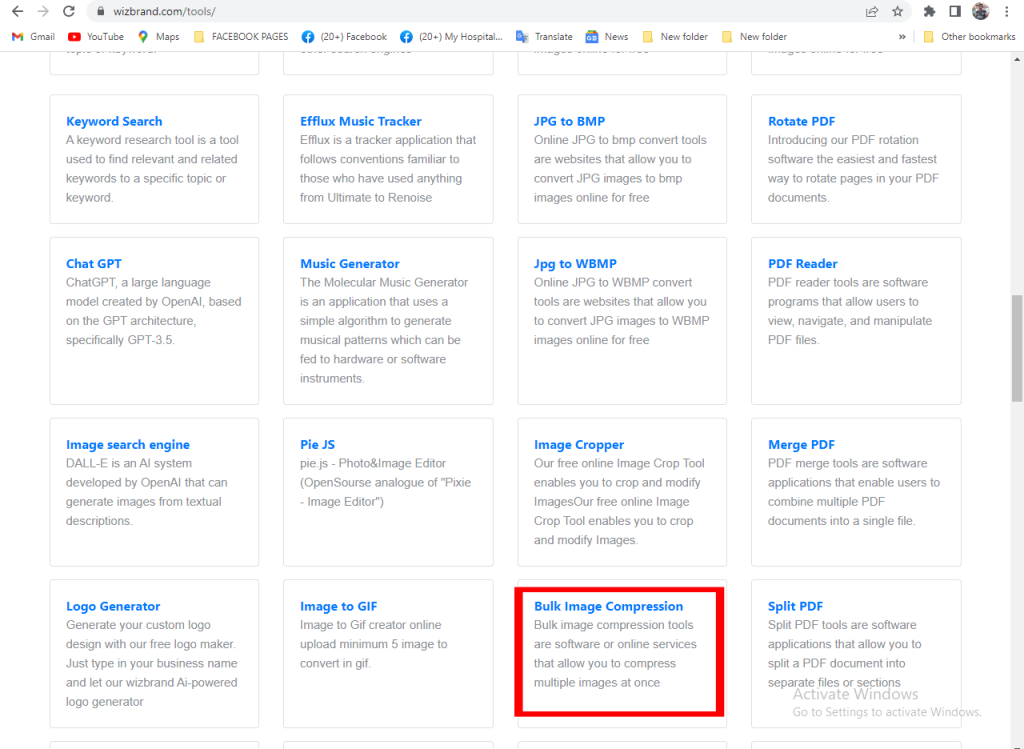
STEP -1 (CLICK TO THE TOOLS BUTTON)

STEP -2 ( CLICK TO THE BULK IMAGE COMPRESSON BUTTON )
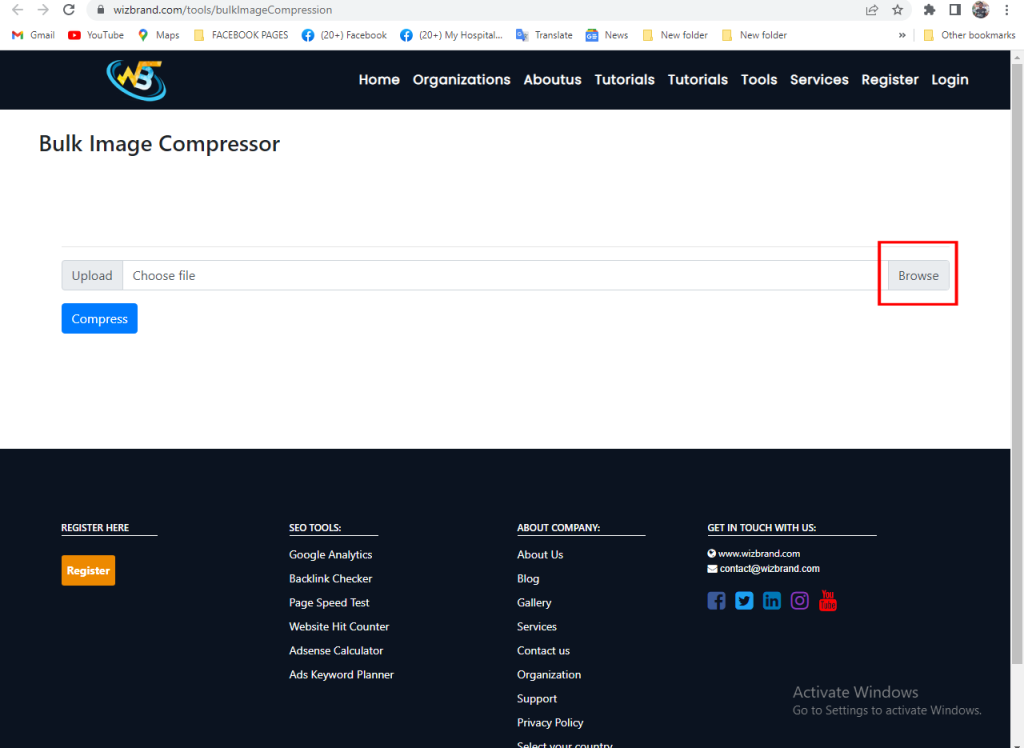
STEP -3 ( CLICK TO THE BROWSE FILE )
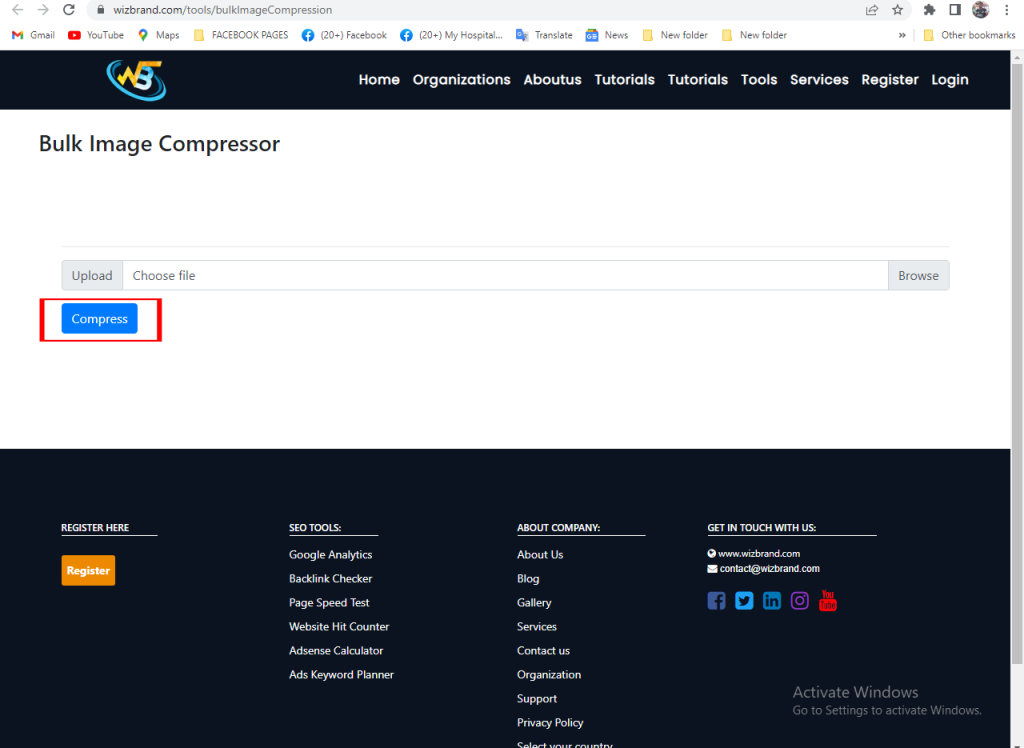
STEP 4 ( CLICK TO THE COMPRESS BUTTON AND SAVE THIS FILE )

Digital Marketing Manager at Cotocus
This article really helped me understand how a bulk image compression tool works and why it’s useful, especially for anyone who deals with a lot of pictures online. I didn’t realize that you can upload many images at once and make their file sizes smaller without losing much visual quality, and that this helps pages load faster and saves storage space. It was also helpful to read that this tool works with different picture formats and offers options to choose how much compression you want, making it easier to balance quality and size. The explanation felt simple and practical, which is great for people new to these tools. I’ll definitely use this tool next time I need to prepare images for a website or project.