Introduction
Unified Communications as a Service (UCaaS) is a cloud-based communication model that integrates multiple communication tools—such as voice calling, video conferencing, messaging, and collaboration—into a single platform. UCaaS eliminates the need for separate systems by providing a unified experience across devices and locations.
In today’s hybrid and remote work environments, UCaaS platforms have become essential for seamless communication and collaboration. They enable teams to connect in real time, share information efficiently, and maintain productivity regardless of physical location. These platforms also offer scalability, cost efficiency, and centralized management compared to traditional communication systems.
Common use cases include:
- Business voice and VoIP communication
- Video conferencing and virtual meetings
- Team messaging and collaboration
- Remote work communication
- Customer communication and support
What buyers should evaluate:
- Voice and video quality
- Messaging and collaboration features
- Integration with business tools
- Scalability and reliability
- Ease of deployment and management
- Security and compliance
- Pricing and licensing models
- Multi-device support
Best for: Enterprises, SMBs, remote teams, and organizations needing unified communication solutions.
Not ideal for: Teams with minimal communication needs or simple messaging requirements.
Key Trends in Unified Communications (UCaaS)
- AI-powered meeting summaries and transcription
- Integration with productivity and CRM tools
- Cloud-first communication infrastructure
- Mobile-first communication experiences
- Unified messaging across channels
- Real-time analytics and performance tracking
- Enhanced security and compliance features
- Hybrid work and remote collaboration solutions
How We Selected These Tools (Methodology)
- Market adoption and credibility
- Feature completeness for unified communication
- Reliability and performance
- Integration ecosystem strength
- Security and compliance readiness
- Ease of use for teams and admins
- Innovation in AI and collaboration
- Customer feedback and usability
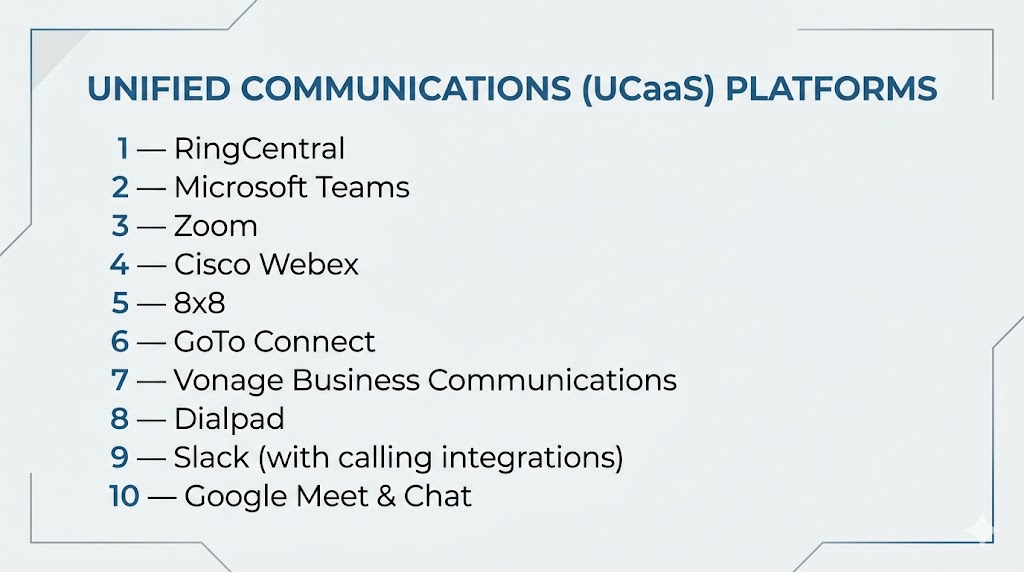
Top 10 Unified Communications (UCaaS) Platforms
#1 — RingCentral
Short description: Leading UCaaS platform offering voice, video, messaging, and collaboration tools.
Key Features
- VoIP calling
- Video conferencing
- Team messaging
- Analytics
- Integrations
Pros
- Enterprise-ready
- Strong reliability
Cons
- Expensive
- Complex setup
Platforms / Deployment
Web / Mobile / Desktop / Cloud
#2 — Microsoft Teams
Short description: Unified communication platform integrated with Microsoft ecosystem.
Key Features
- Chat and channels
- Video conferencing
- File sharing
- Collaboration tools
- Integration with Microsoft apps
Pros
- All-in-one platform
- Strong integrations
Cons
- Complex interface
- Heavy resource usage
#3 — Zoom
Short description: Popular UCaaS platform known for video conferencing and communication tools.
Key Features
- Video meetings
- Chat
- VoIP calling
- Webinar hosting
- Recording
Pros
- High-quality video
- Easy to use
Cons
- Limited messaging features
- Pricing tiers
#4 — Cisco Webex
Short description: Enterprise UCaaS platform with strong security and collaboration features.
Key Features
- Video conferencing
- Messaging
- VoIP calling
- AI features
- Analytics
Pros
- Strong security
- Enterprise features
Cons
- Complex UI
- Expensive
#5 — 8×8
Short description: Cloud communication platform combining voice, video, and contact center solutions.
Key Features
- VoIP calling
- Video meetings
- Messaging
- Analytics
- Contact center tools
Pros
- Global reach
- All-in-one solution
Cons
- Learning curve
- Pricing tiers
#6 — GoTo Connect
Short description: Unified communication platform focused on business voice and meetings.
Key Features
- VoIP calling
- Video conferencing
- Messaging
- Call routing
- Analytics
Pros
- Reliable
- Easy deployment
Cons
- Limited advanced features
- Pricing tiers
#7 — Vonage Business Communications
Short description: Cloud-based UCaaS platform with strong API and integration capabilities.
Key Features
- VoIP calling
- Messaging
- Video conferencing
- APIs
- Analytics
Pros
- Flexible integrations
- Scalable
Cons
- Complex setup
- Pricing tiers
#8 — Dialpad
Short description: AI-powered UCaaS platform with smart communication features.
Key Features
- VoIP calling
- AI transcription
- Messaging
- Video meetings
- Analytics
Pros
- AI capabilities
- Easy to use
Cons
- Limited advanced customization
- Pricing tiers
#9 — Slack (with calling integrations)
Short description: Collaboration platform with messaging and communication integrations.
Key Features
- Messaging
- Voice/video integrations
- File sharing
- Automation
- Integrations
Pros
- Strong collaboration
- Easy to use
Cons
- Not full UCaaS standalone
- Expensive at scale
#10 — Google Meet & Chat
Short description: Unified communication tools within Google Workspace ecosystem.
Key Features
- Video conferencing
- Chat
- Collaboration
- Integration with Google tools
- Cloud-based
Pros
- Easy to use
- Strong ecosystem
Cons
- Limited advanced features
- Basic analytics
Comparison Table (Top 10)
| Tool Name | Best For | Platform(s) Supported | Deployment | Standout Feature | Public Rating |
|---|---|---|---|---|---|
| RingCentral | Enterprise | Web/Mobile/Desktop | Cloud | All-in-one UCaaS | N/A |
| Microsoft Teams | Enterprises | Web/Mobile/Desktop | Cloud | Microsoft integration | N/A |
| Zoom | Meetings | Web/Mobile/Desktop | Cloud | Video quality | N/A |
| Cisco Webex | Secure enterprise | Web/Mobile/Desktop | Cloud | Security | N/A |
| 8×8 | Global communication | Web/Mobile/Desktop | Cloud | Contact center | N/A |
| GoTo Connect | SMB | Web/Mobile/Desktop | Cloud | Voice + meetings | N/A |
| Vonage | APIs | Web/Mobile/Desktop | Cloud | Integration flexibility | N/A |
| Dialpad | AI communication | Web/Mobile/Desktop | Cloud | AI transcription | N/A |
| Slack | Collaboration | Web/Mobile/Desktop | Cloud | Messaging | N/A |
| Google Meet & Chat | Workspace users | Web/Mobile | Cloud | Google integration | N/A |
Evaluation & Scoring of Unified Communications (UCaaS)
| Tool Name | Core (25%) | Ease (15%) | Integrations (15%) | Security (10%) | Performance (10%) | Support (10%) | Value (15%) | Weighted Total |
|---|---|---|---|---|---|---|---|---|
| RingCentral | 9 | 8 | 9 | 8 | 9 | 8 | 7 | 8.4 |
| Microsoft Teams | 9 | 7 | 10 | 9 | 9 | 8 | 7 | 8.5 |
| Zoom | 8 | 10 | 8 | 8 | 9 | 8 | 8 | 8.4 |
| Cisco Webex | 9 | 7 | 9 | 9 | 9 | 8 | 6 | 8.4 |
| 8×8 | 9 | 7 | 9 | 8 | 9 | 8 | 7 | 8.3 |
| GoTo Connect | 8 | 8 | 8 | 7 | 8 | 8 | 7 | 7.9 |
| Vonage | 8 | 7 | 9 | 8 | 8 | 7 | 7 | 7.9 |
| Dialpad | 8 | 9 | 8 | 8 | 8 | 7 | 8 | 8.1 |
| Slack | 8 | 9 | 10 | 8 | 8 | 8 | 7 | 8.3 |
| Google Meet & Chat | 8 | 9 | 9 | 8 | 8 | 7 | 8 | 8.2 |
Scores are comparative and reflect balance across usability, features, and value.
Which Unified Communications Platform Is Right for You?
Solo / Freelancer
Zoom or Google Meet
SMB
GoTo Connect or Dialpad
Mid-Market
Slack or 8×8
Enterprise
RingCentral, Microsoft Teams, or Cisco Webex
Budget vs Premium
Budget tools focus on meetings; premium tools offer full UCaaS
Feature Depth vs Ease of Use
Simple tools are easier; enterprise tools require training
Integrations & Scalability
Enterprise tools provide stronger integrations
Security & Compliance Needs
Large organizations should prioritize secure platforms
Frequently Asked Questions (FAQs)
What is UCaaS?
It is cloud-based unified communication software.
Why is UCaaS important?
It improves collaboration and communication efficiency.
What features are included?
Voice, video, messaging, and collaboration tools.
Is UCaaS suitable for small businesses?
Yes, many tools support SMBs.
Does it support remote work?
Yes, it is designed for remote teams.
Are UCaaS platforms expensive?
Pricing varies depending on features.
Do they integrate with other tools?
Yes, integrations are widely supported.
Are they secure?
Security varies by platform.
Can UCaaS replace traditional phone systems?
Yes, it replaces legacy systems.
What are alternatives?
Separate tools for calls, chat, and meetings.
Conclusion
Unified Communications (UCaaS) platforms have become essential for organizations aiming to streamline communication, enhance collaboration, and support hybrid work environments. While enterprise solutions like RingCentral, Microsoft Teams, and Cisco Webex offer comprehensive features and scalability, tools such as Zoom and Google Meet provide simplicity and accessibility for smaller teams. The right choice depends on your organization’s communication needs, integration requirements, and scalability goals rather than a single universal solution. It is important to evaluate platforms based on usability, performance, and security before making a decision. Testing a few tools in real communication scenarios can help identify the best fit. A well-chosen UCaaS platform ultimately leads to improved productivity, seamless collaboration, and better business outcomes.
