Introduction
Video Conferencing Tools are software platforms that enable real-time communication through video, audio, and collaboration features. These tools have become essential for remote work, virtual meetings, online education, and global business communication.
Modern video conferencing platforms go beyond basic video calls by offering features like screen sharing, recording, chat, and collaborative tools. High-definition video, clear audio, and seamless connectivity are now standard expectations for effective communication.
With the rise of hybrid work, these tools have evolved into complete collaboration ecosystems, incorporating AI-powered features such as live transcription, meeting summaries, and smart automation to enhance productivity.
Common use cases include:
- Virtual meetings and team collaboration
- Remote work communication
- Webinars and online events
- Online education and training
- Customer meetings and demos
What buyers should evaluate:
- Video and audio quality
- Participant capacity
- Screen sharing and collaboration tools
- Recording and transcription features
- Integration with productivity tools
- Ease of use
- Scalability
- Security and compliance
Best for: Businesses, remote teams, educators, enterprises, and freelancers.
Not ideal for: Teams needing only text-based communication.
Key Trends in Video Conferencing Tools
- AI-powered transcription and meeting summaries
- Hybrid work and remote collaboration features
- Platform interoperability (Zoom, Teams, Meet compatibility)
- Real-time collaboration tools like whiteboards
- Mobile-first conferencing experiences
- Enhanced security and encryption
- Smart cameras and audio optimization
- Integration with productivity ecosystems
How We Selected These Tools (Methodology)
- Market adoption and popularity
- Feature completeness for video conferencing
- Reliability and performance
- Integration ecosystem strength
- Security and compliance readiness
- Ease of use for teams
- Innovation in AI and automation
- Customer feedback and usability
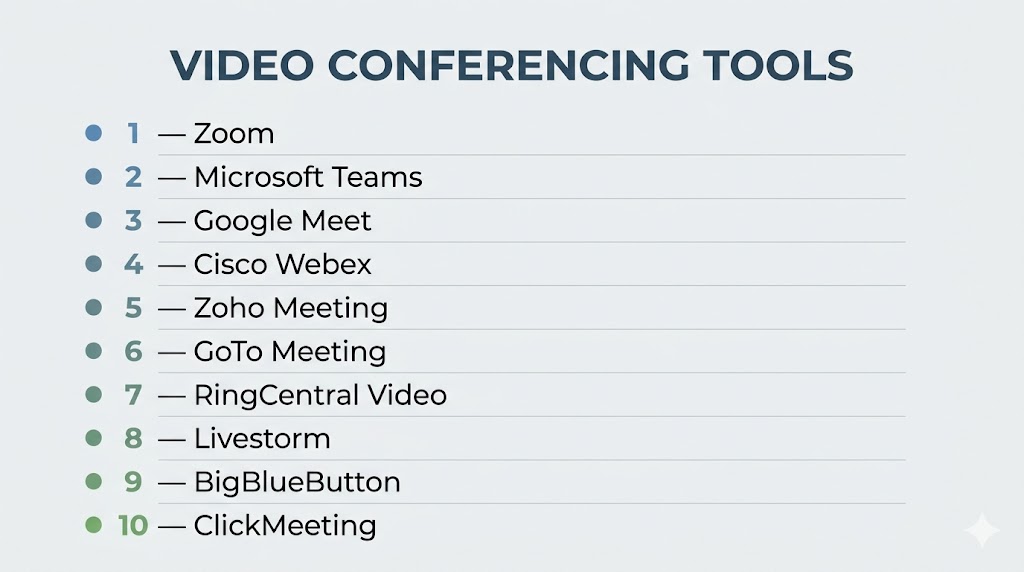
Top 10 Video Conferencing Tools
#1 — Zoom
Short description: Industry-leading video conferencing platform known for reliability and ease of use.
Key Features
- HD video and audio
- Screen sharing
- Breakout rooms
- Recording
- AI meeting summaries
Pros
- Easy to use
- Scalable for large meetings
Cons
- Pricing tiers
- Limited advanced chat features
Platforms / Deployment
Web / Mobile / Desktop / Cloud
#2 — Microsoft Teams
Short description: Enterprise collaboration platform with integrated video conferencing.
Key Features
- Video meetings
- Chat and channels
- File sharing
- AI features
- Integration with Microsoft tools
Pros
- All-in-one collaboration
- Enterprise-ready
Cons
- Complex interface
- Resource heavy
#3 — Google Meet
Short description: Browser-based video conferencing tool integrated with Google Workspace.
Key Features
- Video meetings
- Screen sharing
- Live captions
- Integration with Google tools
- Mobile support
Pros
- Easy to use
- No installation required
Cons
- Limited advanced features
- Basic analytics
#4 — Cisco Webex
Short description: Enterprise-grade conferencing platform with strong security and collaboration features.
Key Features
- Video conferencing
- Messaging
- AI features
- Screen sharing
- Analytics
Pros
- High security
- Reliable
Cons
- Complex UI
- Expensive
#5 — Zoho Meeting
Short description: Affordable video conferencing tool for SMBs and webinars.
Key Features
- Video meetings
- Webinar hosting
- Screen sharing
- Recording
- Mobile app
Pros
- Cost-effective
- Easy to use
Cons
- Limited advanced features
- Smaller ecosystem
#6 — GoTo Meeting
Short description: Reliable conferencing platform focused on business meetings.
Key Features
- Video conferencing
- Screen sharing
- Recording
- Scheduling
- Mobile support
Pros
- Stable performance
- Easy deployment
Cons
- Limited free plan
- Pricing tiers
#7 — RingCentral Video
Short description: UCaaS-based video conferencing tool with strong integrations.
Key Features
- Video meetings
- Messaging
- Screen sharing
- Analytics
- Integrations
Pros
- All-in-one platform
- Scalable
Cons
- Learning curve
- Pricing tiers
#8 — Livestorm
Short description: Video conferencing platform focused on webinars and events.
Key Features
- Webinars
- Analytics
- Automation
- Engagement tools
- Recording
Pros
- Great for events
- Easy setup
Cons
- Limited general meeting features
- Pricing tiers
#9 — BigBlueButton
Short description: Open-source video conferencing tool designed for online learning.
Key Features
- Virtual classrooms
- Screen sharing
- Whiteboard
- Recording
- Chat
Pros
- Open-source
- Ideal for education
Cons
- Requires setup
- Limited enterprise features
#10 — ClickMeeting
Short description: Webinar and video conferencing platform with strong engagement features.
Key Features
- Webinars
- Screen sharing
- Polls and Q&A
- Recording
- Analytics
Pros
- Strong webinar tools
- Easy to use
Cons
- Limited collaboration features
- Pricing tiers
Comparison Table (Top 10)
| Tool Name | Best For | Platform(s) Supported | Deployment | Standout Feature | Public Rating |
|---|---|---|---|---|---|
| Zoom | All-purpose | Web/Mobile/Desktop | Cloud | Ease of use | N/A |
| Microsoft Teams | Enterprise | Web/Mobile/Desktop | Cloud | Collaboration suite | N/A |
| Google Meet | Simplicity | Web/Mobile | Cloud | Browser-based access | N/A |
| Cisco Webex | Security | Web/Mobile/Desktop | Cloud | Enterprise security | N/A |
| Zoho Meeting | SMB | Web/Mobile | Cloud | Cost-effective | N/A |
| GoTo Meeting | Business meetings | Web/Mobile/Desktop | Cloud | Reliability | N/A |
| RingCentral Video | UCaaS users | Web/Mobile/Desktop | Cloud | Integration | N/A |
| Livestorm | Webinars | Web | Cloud | Event tools | N/A |
| BigBlueButton | Education | Web | Self-hosted | Virtual classrooms | N/A |
| ClickMeeting | Webinars | Web | Cloud | Engagement tools | N/A |
Evaluation & Scoring of Video Conferencing Tools
| Tool Name | Core (25%) | Ease (15%) | Integrations (15%) | Security (10%) | Performance (10%) | Support (10%) | Value (15%) | Weighted Total |
|---|---|---|---|---|---|---|---|---|
| Zoom | 9 | 10 | 8 | 8 | 9 | 8 | 8 | 8.6 |
| Microsoft Teams | 9 | 7 | 10 | 9 | 9 | 8 | 7 | 8.5 |
| Google Meet | 8 | 9 | 9 | 8 | 8 | 7 | 8 | 8.2 |
| Cisco Webex | 9 | 7 | 9 | 9 | 9 | 8 | 6 | 8.4 |
| Zoho Meeting | 8 | 9 | 8 | 7 | 8 | 7 | 8 | 8.0 |
| GoTo Meeting | 8 | 8 | 8 | 7 | 8 | 8 | 7 | 7.9 |
| RingCentral Video | 8 | 8 | 9 | 8 | 8 | 8 | 7 | 8.1 |
| Livestorm | 8 | 9 | 7 | 7 | 8 | 7 | 7 | 7.8 |
| BigBlueButton | 8 | 6 | 7 | 7 | 8 | 6 | 9 | 7.6 |
| ClickMeeting | 8 | 8 | 7 | 7 | 8 | 7 | 7 | 7.8 |
Scores are comparative and reflect balance across usability, features, and value.
Which Video Conferencing Tool Is Right for You?
Solo / Freelancer
Zoom or Google Meet
SMB
Zoho Meeting or GoTo Meeting
Mid-Market
RingCentral Video or Livestorm
Enterprise
Microsoft Teams or Cisco Webex
Budget vs Premium
Free tools offer basic meetings; premium tools offer AI and analytics
Feature Depth vs Ease of Use
Simple tools are easier; enterprise tools require training
Integrations & Scalability
Enterprise tools provide stronger integrations
Security & Compliance Needs
Large organizations should prioritize secure platforms
Frequently Asked Questions (FAQs)
What are video conferencing tools?
They enable real-time video communication over the internet.
Why are they important?
They support remote work and collaboration.
Do they require installation?
Some tools are browser-based; others require apps.
Are they secure?
Security varies by platform.
Can they host large meetings?
Yes, enterprise tools support large audiences.
Do they support recording?
Yes, most tools include recording features.
Are they free?
Many tools offer free plans.
Do they support integrations?
Yes, integrations are widely supported.
Can they replace in-person meetings?
Yes, for many use cases.
What are alternatives?
Phone calls or in-person meetings.
Conclusion
Video conferencing tools have become the backbone of modern communication, enabling seamless collaboration across remote and hybrid work environments. Platforms like Zoom and Google Meet provide simplicity and accessibility, while enterprise solutions such as Microsoft Teams and Cisco Webex offer advanced features and scalability. The right choice depends on your meeting size, collaboration needs, and integration requirements rather than a single universal solution. It is important to evaluate tools based on performance, usability, and security before making a decision. Testing a few platforms in real scenarios can help identify the best fit. A well-chosen video conferencing tool ultimately improves communication, productivity, and team collaboration.
