Greetings,
This is Ravi Verma, In this Article, I will let you know where I can see my live subscriber counting.
Let’s begin,
I am showing you this knowledge in steps wise
- Open your chrome browser.

- Write youtube and click on the enter button.

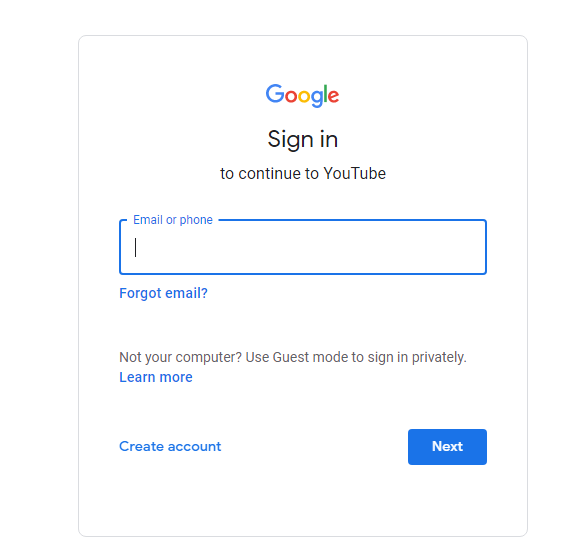
- Sign in with your mail here.

- After clicking this enter your email id and password
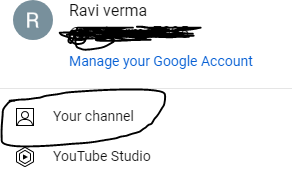
- After that click on your channel option
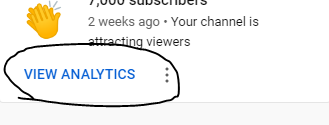
- After that click on the VIEW ANALYTICS option.
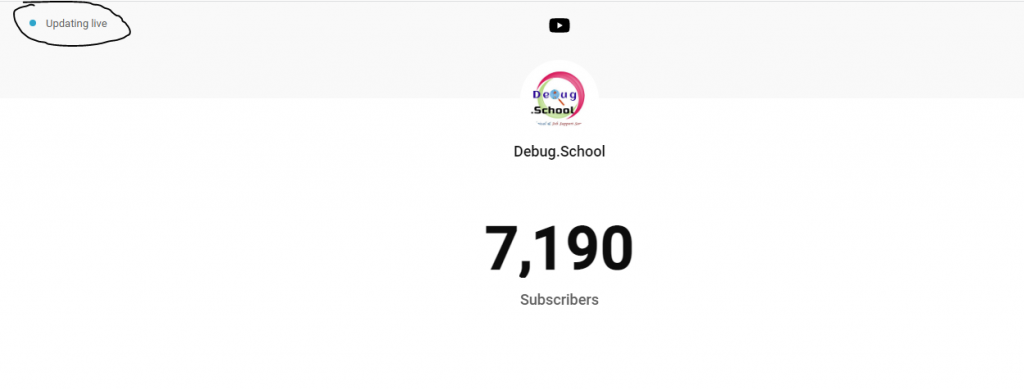
- After clicking it, you can see your live subscriber counting view.
Thanks

I found this article about where to see my YouTube subscriber count very helpful and easy to follow. It explained that you can check your live subscriber numbers directly in YouTube Studio under the Analytics section, where the real‑time card shows current subscriber changes — this really made things clearer for me. You can also use online tools that show live updates of subscriber totals for any channel, which is a good way to track growth outside of YouTube’s own dashboard. Before reading this, I wasn’t sure where to look or if I needed a separate app. Thanks for breaking it down in simple words that anyone can follow